The Government Affairs Professional's Tech Stack: Everything You Need to Run a Modern Lobbying Shop in Massachusetts
If you're still managing your legislative workload with a combination of email folders, browser bookmarks, and a spreadsheet you've been patching together since 2016, this post is for you.
The good news is that there has never been more purpose-built software available to government affairs professionals. The bad news is that the options are overwhelming, and most "tech stack" guides are written for people who are tech-savvy or like to experiment — not lobbyists and government affairs teams who need to move fast, stay focused on multiple clients, and prove value every session.
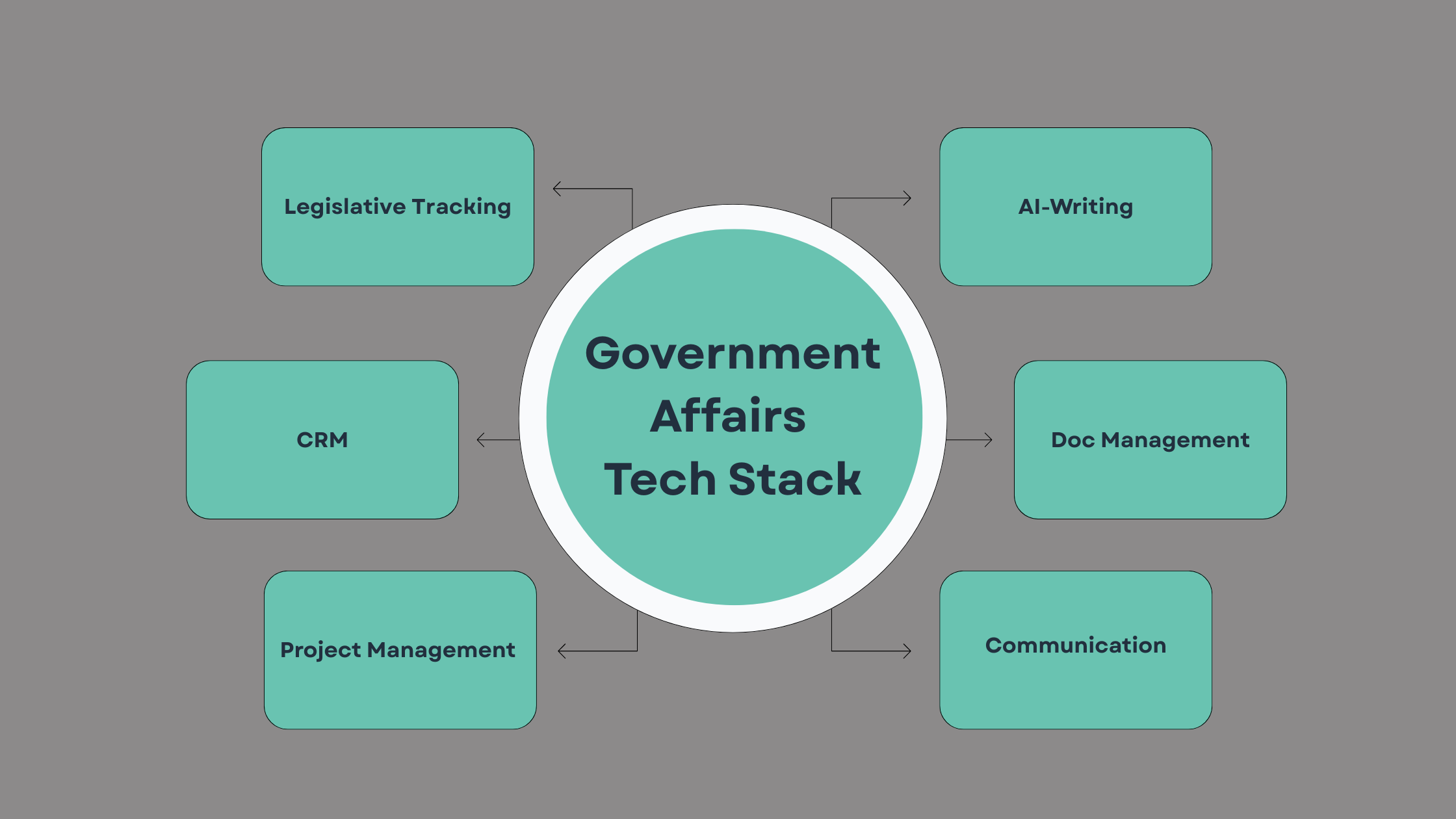
This is the complete list. No fluff, no filler. Here is every category of tool you need, what to look for, and the options worth your time.
1. Legislative Tracking
Use Case: You're managing eight clients across healthcare, energy, and financial services. Three bills affecting your clients move out of committee on the same day. Without a dedicated tracking tool, you find out from a client who read it in the news.
Everything else in your stack is secondary to this. If you don't have a reliable way to monitor a bill’s movement in real time, nothing else matters.
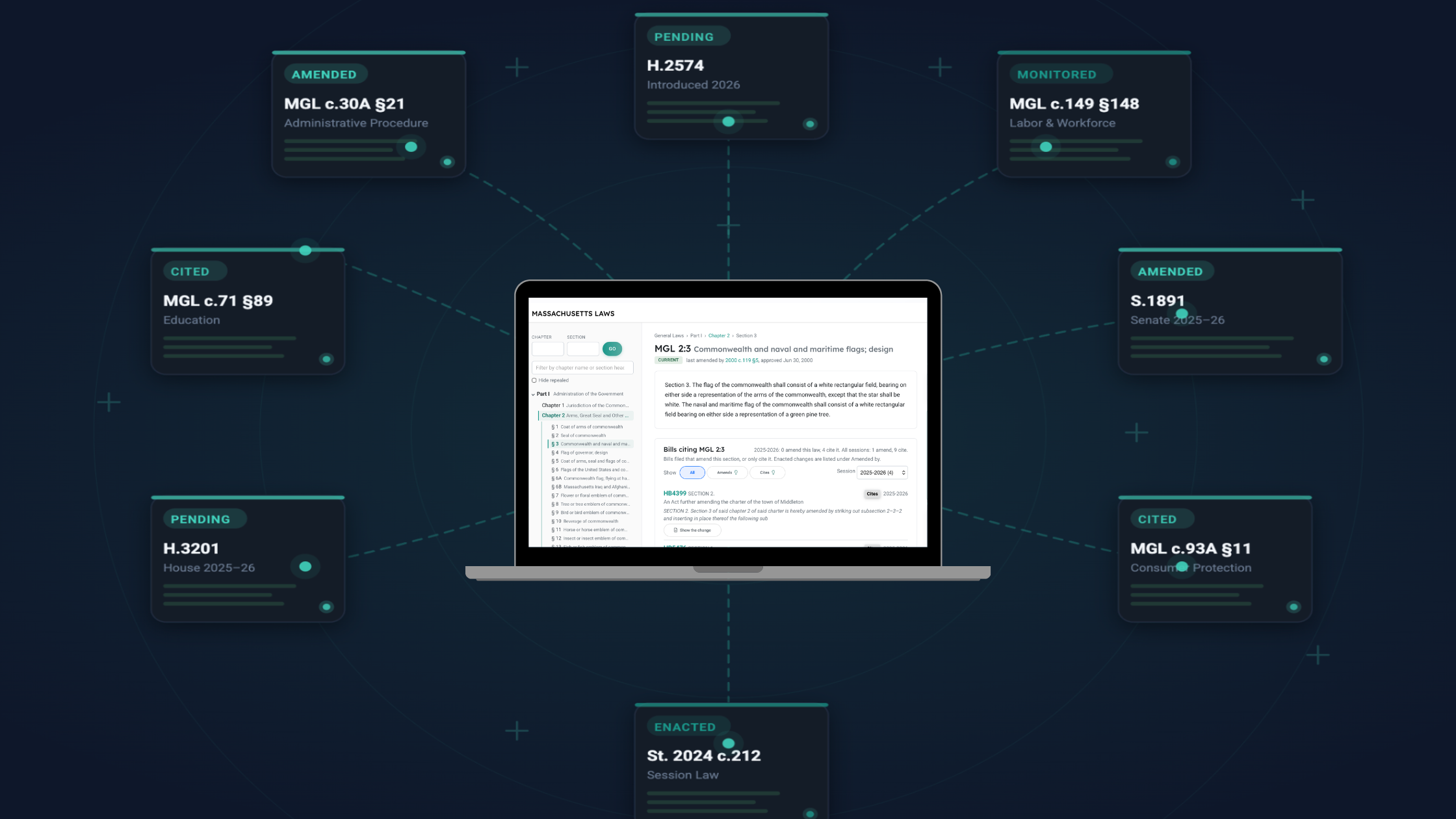
For Massachusetts-specific work, MassTrac by InstaTrac is built specifically for Beacon Hill. It tracks Massachusetts House and Senate bills, committee activity, and vote records with the depth and granularity that generic national platforms can't match.
What makes a worthwhile legislative tracking tool are real-time bill status updates, keyword and committee alerts, bill text comparison, and export functionality that doesn't require a manual data pull every time you need to brief a client.
2. CRM (Customer Relationship Management)
Use Case: You bring on a new employee to help manage client relationships. You hand them a spreadsheet of contacts with no context — no record of past conversations, no notes on who's friendly, who's difficult, or what you last discussed. They spend their first month re-learning what you already know.
Lobbying is a relationship business. Your CRM is where you document every interaction with legislators, staffers, agency contacts, coalition partners, and clients. If that information lives in your head or in scattered email threads, it leaves with you when you leave.
CRMs are built specifically around relationships and sales pipelines. They're designed to track people, companies, deal stages, communication history, and follow-ups.
Salesforce remains the gold standard for larger government affairs operations as they have deep customization features, workflow automation, and integrations with almost everything. The learning curve is real, but the upside is a system that can scale with your firm.
HubSpot is a strong alternative for smaller shops or solo practitioners. The free tier is genuinely useful, the interface is cleaner than Salesforce, and the pipeline management features translate well to tracking client relationships and new business development.
Zoho sits between the two on price and complexity. Strong feature set, cheaper than Salesforce and more customizable than HubSpot's free tier. The interface is less polished, but if budget is a constraint and you need more than HubSpot's free plan offers, Zoho is worth a look.
There are a myriad of other CRMs to choose from too, but whatever one you go with, you’ll see the value compound over time. Start logging contacts and interactions now, even if your system is imperfect.
3. Project & Task Management
Use Case: A committee hearing gets scheduled with 48 hours notice. You have three clients with positions on the bill. You need testimony drafted, talking points prepared, and clients briefed. You're managing all of it over text message and a rapidly filling email inbox. Something inevitably gets missed.
A busy session means dozens of active bills across multiple clients, each with different positions, deadlines, and stakeholders. Without a system to manage this, things fall through the cracks.
Here are some of the most highly regarded project management platforms out there:
Asana is a pure task and project management tool. Its entire job is helping you track work — tasks, subtasks, assignees, due dates, dependencies, and project timelines. You have projects, tasks live inside projects, and everything moves through a workflow. For a lobbying shop, you'd build a project per client or per active bill, assign tasks, and always know what's due and who owns it. It does this one thing very well.
Monday.com does essentially the same job as Asana but with a more visual, dashboard-first interface. In practice the two tools are very comparable, and most teams that evaluate both end up choosing based on which interface clicks for them. For a small team, the difference is marginal.
4. AI Writing & Research
Use Case: A client or your boss calls at 4pm asking for a one-page position memo before a 9am committee hearing. You have the policy knowledge but writing it from scratch takes two hours. With an AI tool, you have a solid first draft in fifteen minutes.
This is where the big efficiency gains are right now. AI tools don't replace your judgment or your relationships, but they dramatically reduce the time it takes to produce the written work that surrounds lobbying and advocacy like memos, position papers, testimony, client updates, regulatory comments, and coalition communications.
Claude and ChatGPT are the two most capable general-purpose AI assistants available. For government affairs work specifically, both are strong for drafting testimony, summarizing bill text, translating dense legislative language into plain-English client updates, and helping structure policy arguments. Claude tends to perform better on writing tasks, but ChatGPT has a larger base of integrations.
A pro tip is to have these free chat versions save information about you and your queries to train it about you and your work. You can do that in the settings of these two platforms.
The paid tiers of LLMs usually bring stronger models, give you unlimited file uploads, and pull information from your computer.
5. Document & Knowledge Management
Use Case: Your principal calls asking for the fact sheet you used in last session's hearing about a refiled bill. You know you have it. It might be in your downloads folder, it might be in an email chain from March, it might be the version your client sent that you reformatted. You spend twenty minutes looking before you find something you're not entirely sure is current.
Over the years, you've built up a body of knowledge about legislators, agencies, clients, and issue areas. If that knowledge lives only in email inboxes or file folders with no search, you're rebuilding from scratch every time.
Google Workspace is the default for most small-to-mid-size practices because it’s accessible, collaborative, and free at the basic tier.
Microsoft 365 is often easier for file sharing across organizations if your clients are enterprise-level.
6. Communication & Outreach
Use Case: You spend 45 minutes trying to find a time to meet that works for a client, two coalition partners, and a legislative staffer. By the time you land on a slot, one person has a conflict and you start over. You also need visually pleasing reports for meetings.
You likely already have email and calendar handled. But a few additions can meaningfully reduce friction in your day.
Calendly can eliminate the back-and-forth of scheduling meetings with legislators, clients, and coalition partners. Set your availability, send a link, done. Its various integrations are also a big selling point.
Zoom is the standard for virtual conference meetings, but Beacon Hill conducts virtual testimony on Teams, so when testifying virtually, you’ll want to make sure you’re all set up. Make sure your setup (camera, microphone, lighting) is professional — legislators and agency officials are probably making judgments.
Slack is worth adopting if you work with a team for internal conversations. The channel structure keeps project communications organized and searchable, and it integrates with most of the other tools in this list.
Canva is the fastest path to professional-looking client deliverables without a designer on staff. Use it for one-pagers, slide decks, infographic-style bill trackers, and end-of-session reports. The government affairs templates are limited, but building your own branded templates takes one afternoon and saves hours every month.
Putting It All Together
You don't need to implement all of this at once. Most of the products on this list offer free tiers that are genuinely sufficient for solo practitioners and small shops — you can build a functional, modern tech stack without spending a dollar until you know what's actually working for you.
It's also worth noting that many of these tools have overlapping capabilities. Spreading yourself across every category at once is a fast way to end up paying for tools you don't use. Pick one product in a category you feel the most pain in, try it for a month, and master it before adding the next one.
The only way to know if a tool is worth your time is to use it. But walking into that process with an exhaustive list of options is its own kind of paralysis. This list narrows the field to what's actually relevant for Massachusetts-focused government affairs work so when you're ready to try something, you're not starting from scratch.
If you’d like to learn more, schedule a call with us to see how MassTrac can fit into your current stack.